Festival Website with WordPress: Step-by-Step Setup Guide 2026
A successful event or festival starts with a strong online presence. A dedicated website makes it easy to share details, attract visitors, and manage registrations all in one place. Without it, you risk missing out on potential attendees.
WordPress offers the tools you need to build that website without spending a fortune. Its themes and plugins let you customize the look, add ticketing options, and keep everything organized. You stay in control while delivering a smooth experience for guests.
This guide walks you through each step of creating your event or festival website using WordPress. By the end, you’ll know how to set up a site that looks professional and keeps people coming back.
Why WordPress is the Best Choice for Festival and Event Websites
A festival or event needs more than posters and social media posts. A dedicated website gives you a home base where visitors can find everything they need in one place. WordPress makes this possible without requiring coding knowledge or a large budget.
WordPress powers millions of sites around the world. Its open-source nature and large community mean endless design options, plugins, and updates. Whether you are planning a music festival, art fair, or community event, WordPress adapts to your needs.
Flexibility is another reason it stands out. You can start small with a simple site and scale as your event grows. Adding ticketing, schedules, or performer profiles is easy with the right tools. In short, WordPress combines affordability with professional results.
Must-Have WordPress Tools for Festivals
The tools you choose determine how effective your event site will be. With WordPress, you can pick hosting, themes, and plugins that match your goals.
Hosting and Theme Setup
Every good site starts with reliable hosting. Pick a host known for speed, security, and customer support. Many providers also offer one-click WordPress installation, which saves time.
Once hosting is set, the theme shapes how your site looks. Choose a clean, responsive theme so the design works on both mobile and desktop. Look for a theme built for events, as it often includes layouts for schedules, maps, and ticket sales.
Event Management Plugins (The Events Calendar Suite)
Managing dates, schedules, and RSVPs can get complicated. The Events Calendar suite makes this process simple. You can list events, display them in different views, and even sell tickets.
The calendar view helps attendees quickly see what’s coming up. Adding recurring events or multi-day schedules is possible with a few clicks. Visitors can also sync events to their personal calendars, keeping your festival top of mind.
Helpful Add-Ons (Forms, Tickets, Legal Pages, and More)
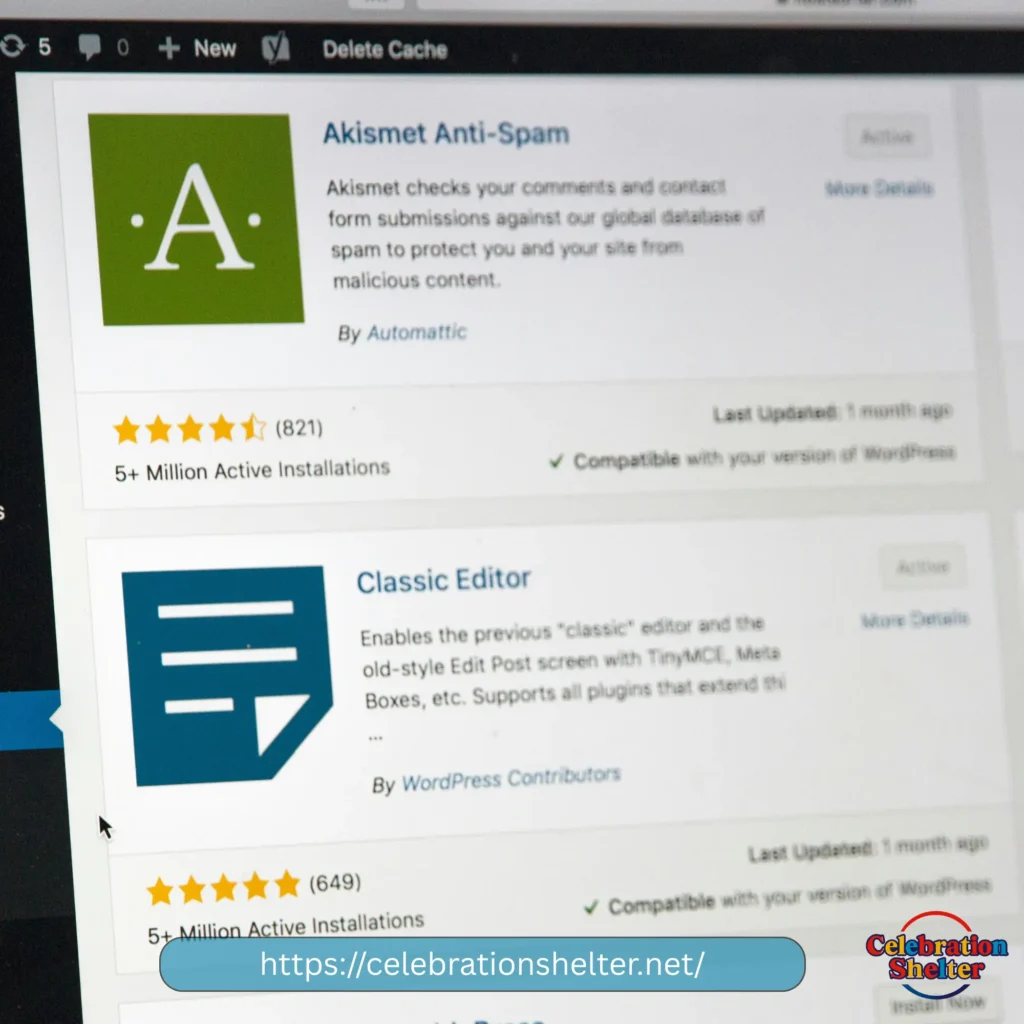
Beyond the calendar, you need extras that improve user experience. A form plugin helps you collect inquiries, feedback, or vendor applications. Ticketing add-ons allow secure online sales and check-ins.
Don’t forget the legal side. Plugins for privacy policies, cookie notices, and terms of service help you stay compliant. Together, these tools create a complete setup for your festival website.
Building Your Festival Website Step by Step
With the right tools in place, the next step is putting it all together.
Single-Event vs. Multi-Event Sites
If you host one major event each year, a single-event site works best. It focuses visitors’ attention and drives them toward buying tickets.
For organizers running multiple events, a multi-event site is more effective. This setup lets people browse upcoming festivals, filter by date, and explore different themes. Think of it as your long-term digital headquarters.
Getting Started Fast
Start by installing WordPress and activating your chosen theme. Add essential pages such as Home, About, Schedule, and Contact. Use your event management plugin to build the calendar and ticketing options.
From there, upload photos, write clear descriptions, and set up payment gateways. Aim for simple navigation and quick load times so visitors never feel lost.
Key Features Every Festival Website Needs
Your website acts as the first impression for attendees. These features help you make it count.
High-Converting Landing Page
Your landing page should grab attention immediately. Use strong visuals, a short tagline, and a clear “Buy Tickets” button. Keep text short and focused on what makes your festival unique.
Event Overview and Schedule
Give visitors an easy way to understand what’s happening and when. A simple schedule with times, locations, and performers keeps things organized. Interactive schedules let people filter by day or stage.
Venue and Ticket Info
Festival-goers want to know how to get there and what it costs. Include maps, parking details, and public transit options. For tickets, make the buying process as smooth as possible with minimal steps.
Lineup, Performers, or Attractions
Highlighting your performers or attractions builds excitement. Create profiles with images, bios, and links to their work. If you have multiple acts, a lineup grid helps people browse quickly.
FAQs and Contact Options
Answer common questions upfront. Cover topics like refund policies, age limits, and safety rules. Add a simple contact form so visitors can reach out if their question isn’t listed.
Best Practices to Boost Engagement and Attendance
Beyond building the site, smart strategies help attract more attendees.
Strong Call-to-Actions
Guide visitors toward your goals with clear CTAs. “Buy Tickets,” “Join the Mailing List,” or “Follow Us on Social” should be easy to find. Repeat these CTAs across pages so people never miss them.
Showcase Past Festivals
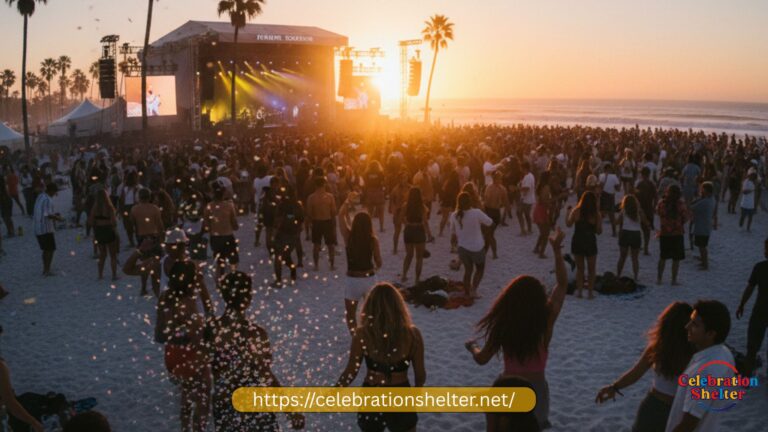
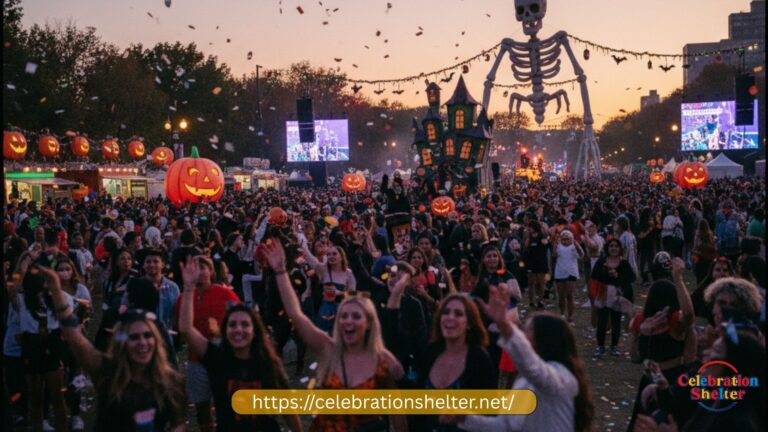
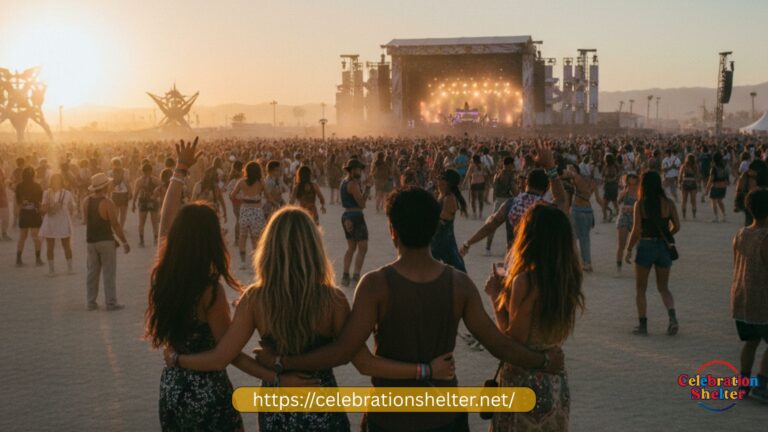
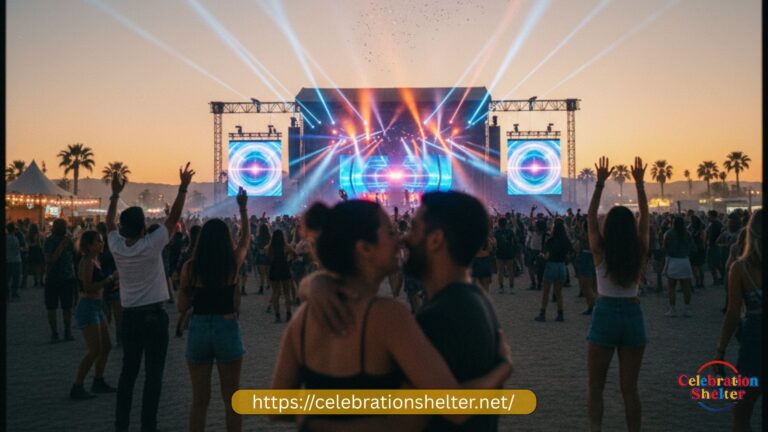
Use photos, videos, and testimonials from past events to build trust. Showing packed crowds, happy guests, and smooth operations encourages new visitors to attend. It also creates social proof that your festival is worth the ticket.
SEO and Mobile Optimization
Search engines drive organic traffic. Use keywords like “music festival tickets” or “local food festival schedule” naturally in your content. Add descriptive alt text to images and create meta descriptions for each page.
Equally important is mobile optimization. Most visitors will check your site from their phones. Make sure the design adjusts to small screens and loads quickly.
Launch Your Festival Website with WordPress Today
A well-designed event or festival website is more than a digital flyer. It’s your main hub for information, ticketing, and building excitement. With WordPress, the process is simple, flexible, and scalable.
Start with reliable hosting, choose a responsive theme, and install event management tools. Add the must-have features that keep visitors informed and engaged. Finally, optimize for both search engines and mobile users.
Whether it’s a small community gathering or a large multi-day festival, WordPress helps you deliver a professional site that draws people in and keeps them coming back year after year.
Conclusion
A festival website built with WordPress gives you control, flexibility, and a professional look without extra cost. From ticket sales to performer profiles, every part of your event can live in one place. With the right tools and best practices, your site becomes more than a noticeboard — it becomes the center of your community.
Take the first step today. Set up your hosting, install a theme, and add the tools that fit your event. Once your site is live, you’ll have everything you need to attract visitors, boost attendance, and deliver a smooth festival experience.
FAQs
How long does it take to build a festival website on WordPress?
Most organizers can set up a basic site in a few hours. Adding custom features, ticketing, and detailed schedules may take a few days, depending on how complex the event is.
Do I need coding skills to create a festival website with WordPress?
No. WordPress works with drag-and-drop page builders and plugins, so you don’t need coding knowledge. If you want deeper customization, you can hire a developer later.
What’s the cost of running a festival website on WordPress?
Basic costs include hosting and a domain name, which start around $50–$100 per year. Premium themes and plugins may add to the budget, but you can start small and upgrade as your event grows.
Can I sell tickets directly on my WordPress site?
Yes. With plugins like The Events Calendar or WooCommerce, you can set up ticket sales, manage registrations, and track attendance without using third-party platforms.
How do I make sure my festival website works on mobile?
Choose a responsive theme and test your site on different screen sizes. Keep menus simple, use large buttons, and avoid heavy images that slow down load times.